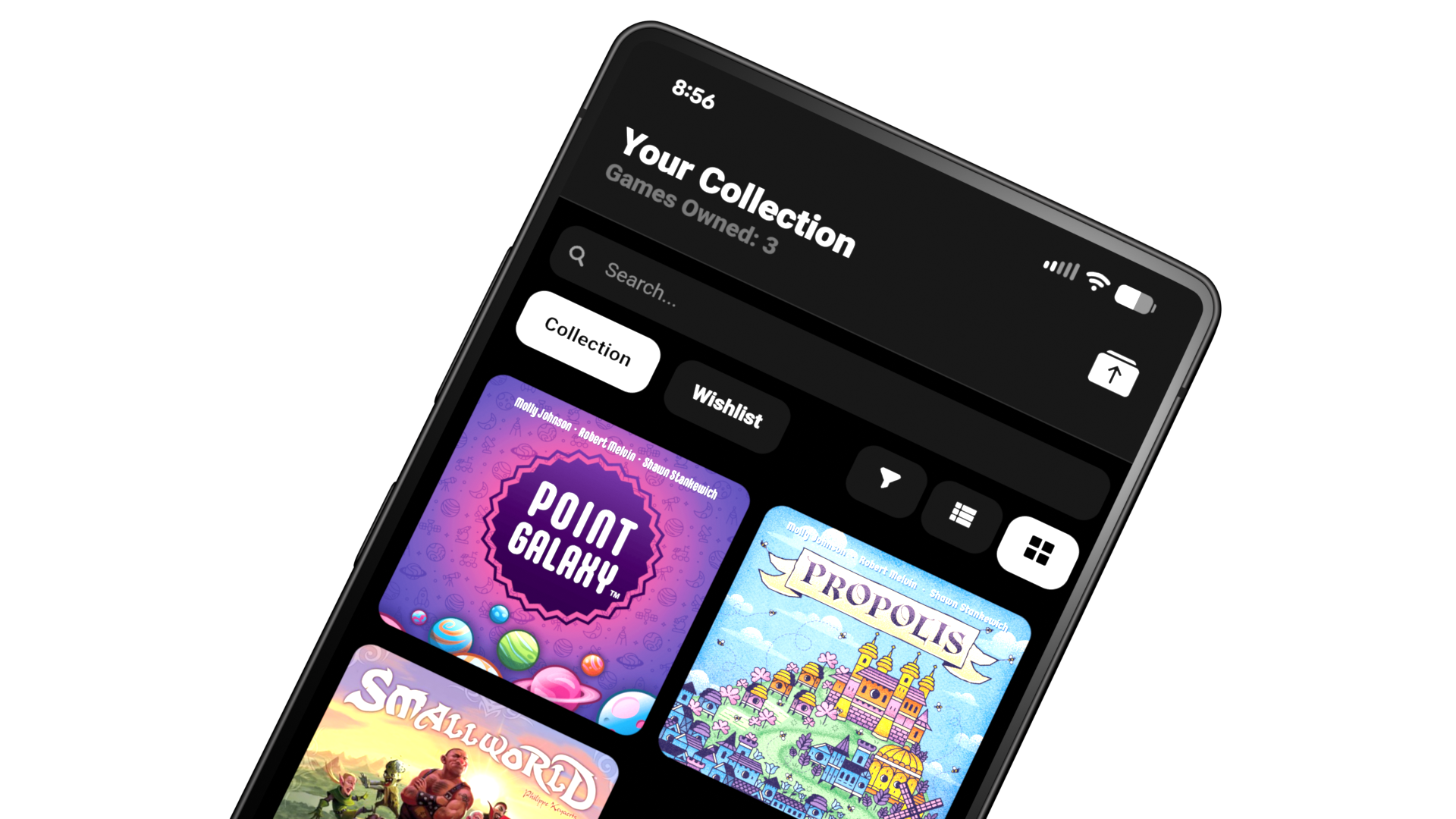
Manage Your Collection The Easy Way.
Coming to the Google PlayStore Soon!
Some users have recieved the app free of charge for testing and QA purposes.
How does it work?
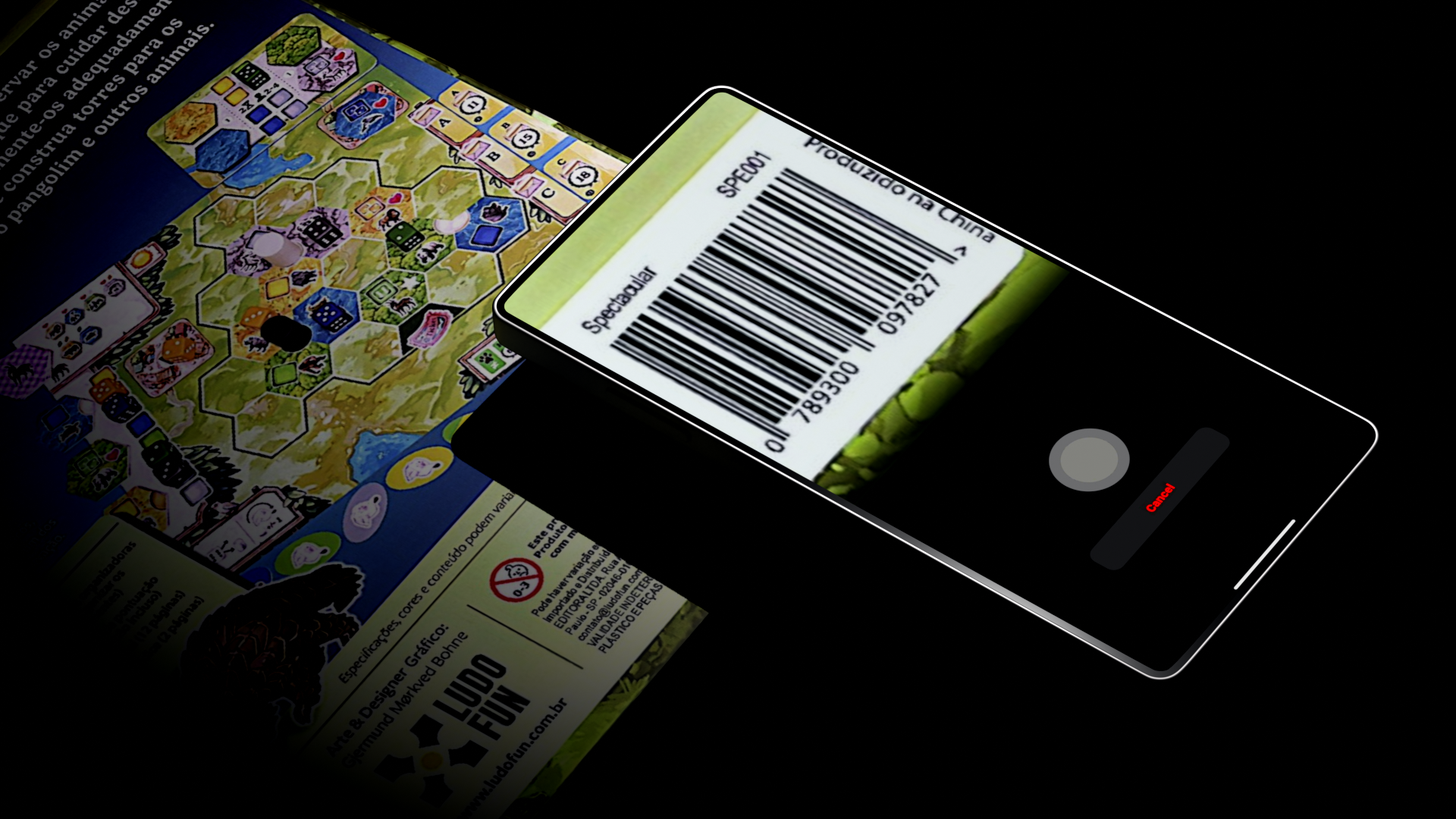
Tap the "Scan Game" button in the app and simply put your phones camera to the barcode of the game you wish to add. Once the app detects the barcode the circular scan button will light up prompting you to tap it. Then the scanner will scan your game and present you with it.

Own your game!
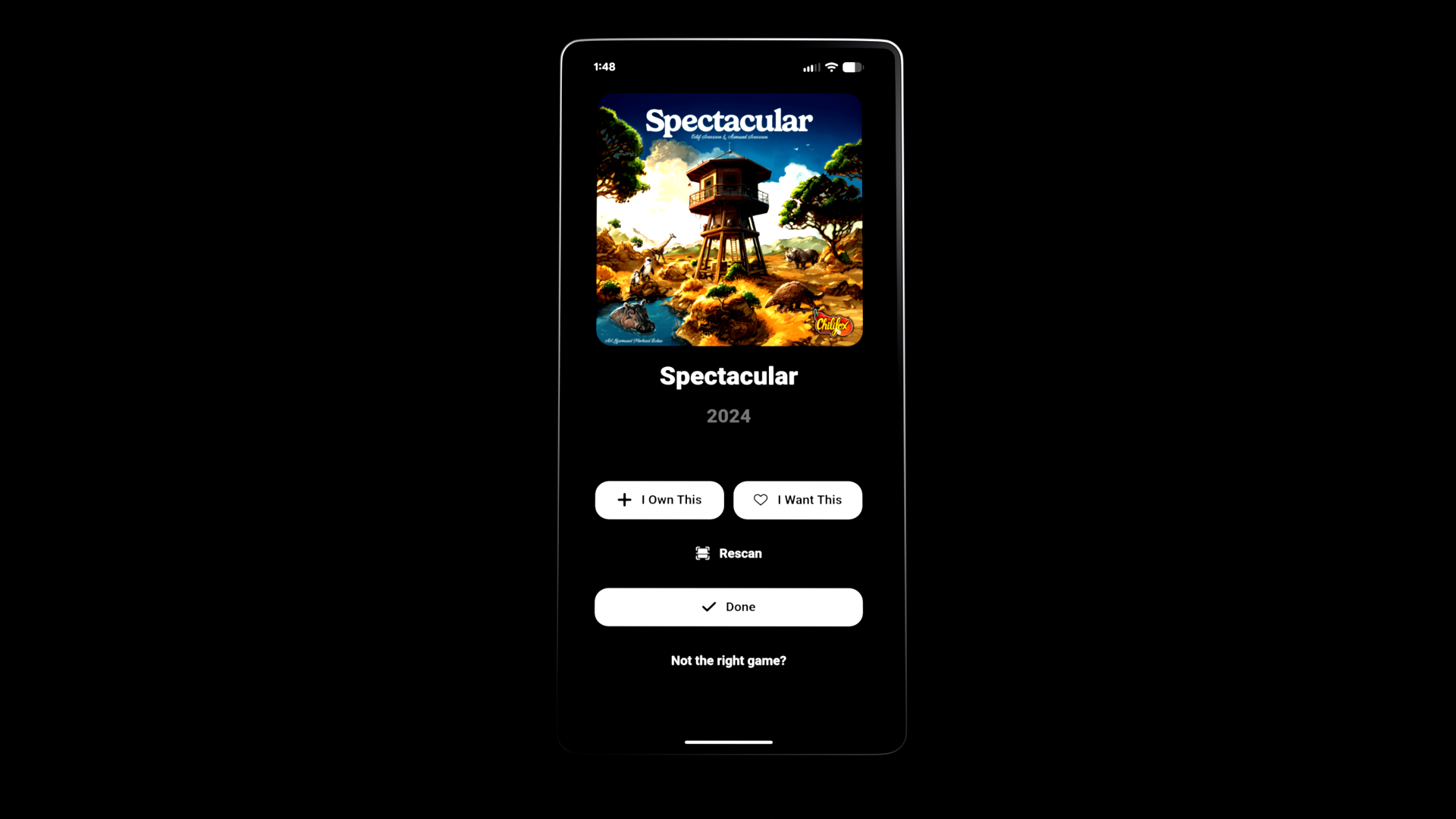
Once your game has been scanned you will be taken to its game page. Here you can choose to add it to your collection or add it to your wishlist. If you didn't get the right game though you have some options. Pick from a selection of related games, or try to rescan.